QQH Laptop Screen Extender
Triple Screens. One USB-C Cable. Zero Hassle.
The QQH Laptop Screen Extender gives you three 15.6-inch FHD displays that plug right into your laptop — no drivers, no dock, no drama. Work from anywhere with a full desktop setup that folds flat.
★★★★★ Top-Rated Portable Monitor on Amazon
Why Remote Workers Love This Portable Monitor Extender
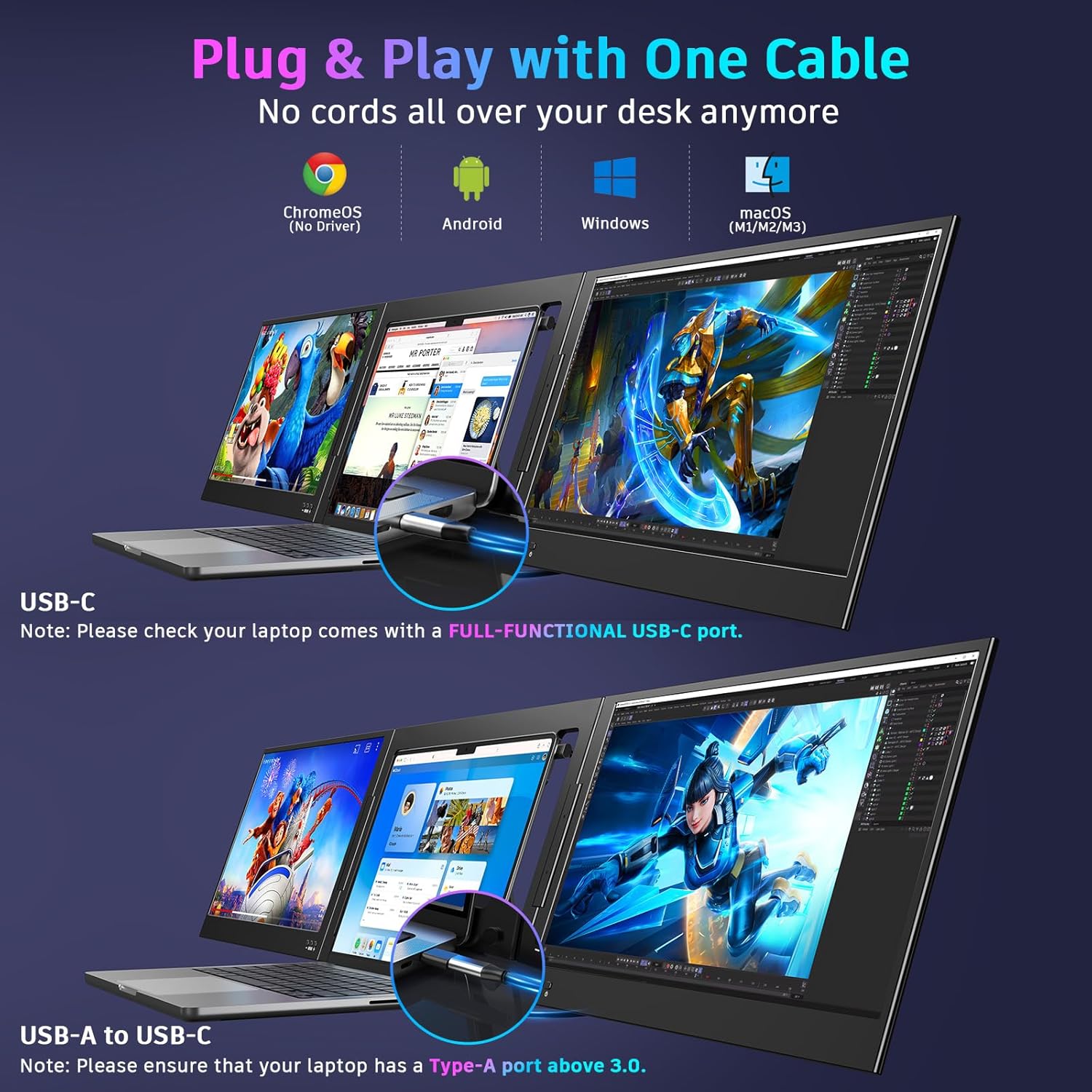
Instant Plug & Play
One USB-C cable, zero drivers. Connect your laptop display extender and you're running triple screens in seconds — MacOS, Windows, or Android.
Ultra-Slim & Portable
The aluminum alloy build is thin enough to slide into your bag. Take your full dual screen laptop setup to any coffee shop, coworking space, or hotel room.
Crystal-Clear 1080p IPS
Two 15.6-inch FHD IPS panels deliver sharp text and accurate colors at wide angles. Perfect for coding, trading charts, or editing spreadsheets side by side.
Ready in Under 3 Minutes
No drivers, no software installs. Just plug in one USB-C cable and you've got triple screens.
Attach to Your Laptop
Slide the aluminum alloy bracket onto the back of your laptop lid. The adjustable clips grip any 12-16" laptop securely without scratching. Takes about 30 seconds.
Unfold Both Screens
Swing each 15.6" IPS panel outward like opening a book. The dual-hinge design holds any angle you set, so you can fine-tune your viewing position.
Plug In One USB-C Cable
Connect a single USB-C cable from the extender to your laptop. That's it. MacOS, Windows, and Android detect the displays instantly with zero driver installs.
Arrange Your Workspace
Drag windows across all three screens. Put Slack on the left, your main project in the center, and reference docs on the right. Your workflow just tripled.
QQH Portable Monitor Collection
Expand your laptop workspace with QQH's 15.6" IPS displays. Plug in one USB-C cable and start working across multiple screens in seconds.
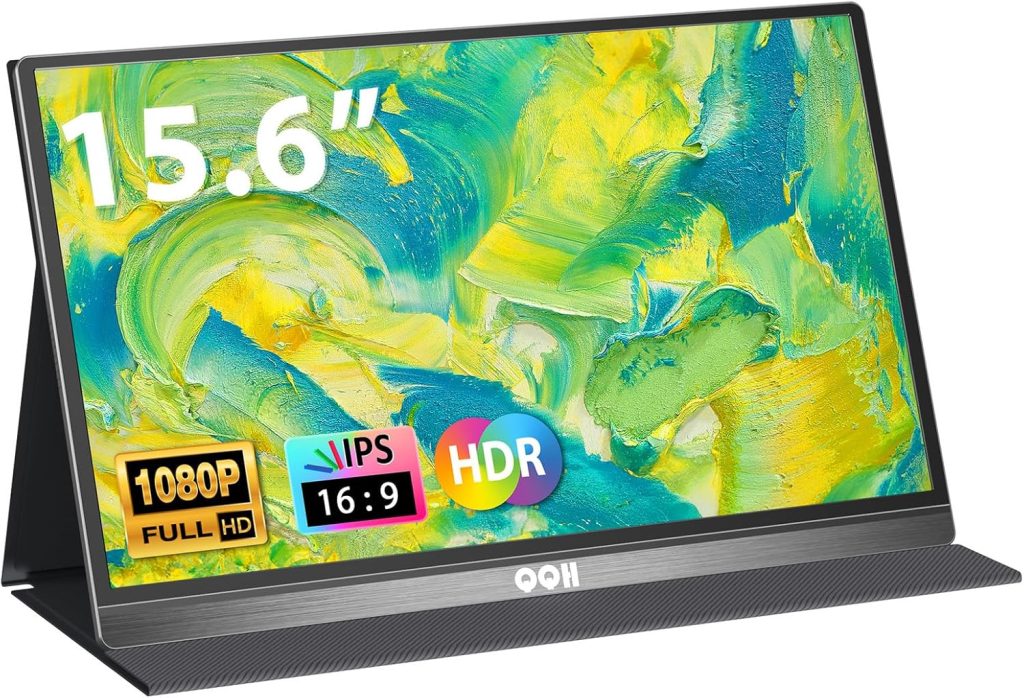
15.6" Portable Monitor
QQH Laptop Screen Extender Ultra-slim 1080p IPS display. One USB-C cable, no drivers needed.
- Full HD 1080p IPS panel
- Single USB-C connection
- Ultra-slim aluminum build
- Mac, Windows & Android ready
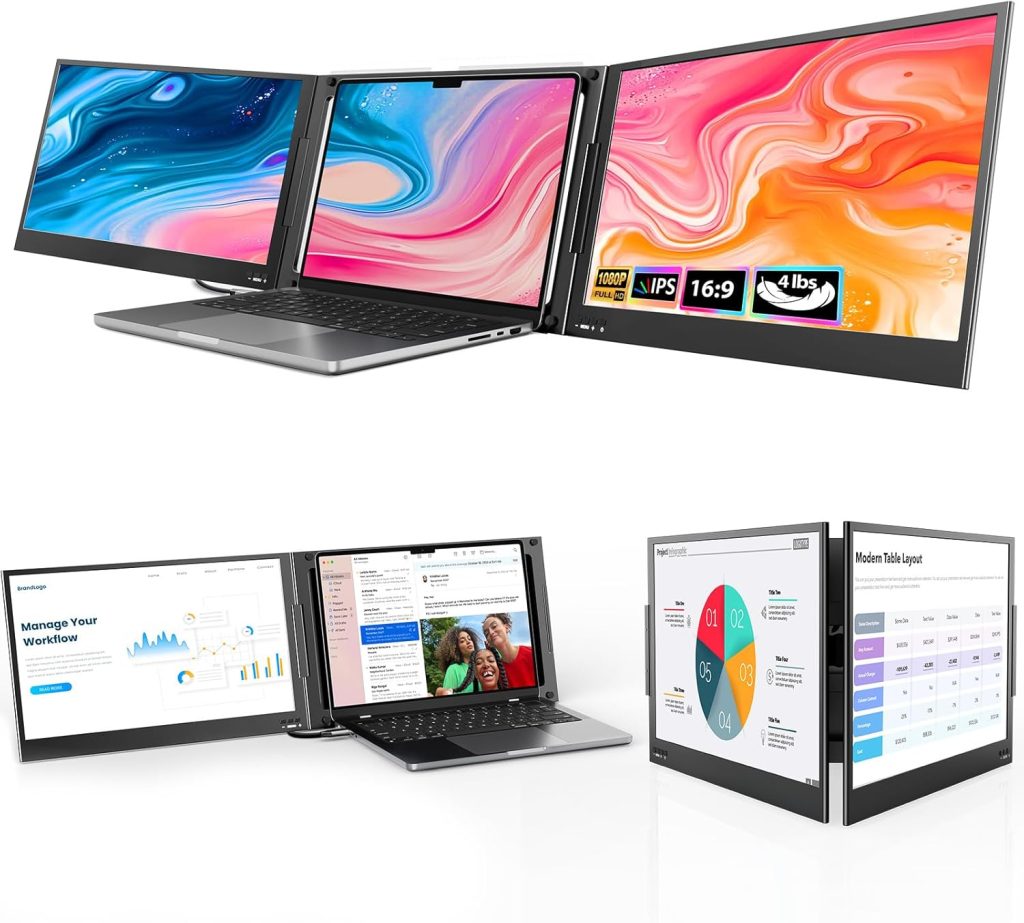
Triple Monitor Extender
QQH Laptop Screen Extender Turn your laptop into a triple-screen workstation. Amazon's Choice for a reason.
- Three screens, one setup
- Amazon's Choice rated
- Fits 12-16 inch laptops
- Lightweight and portable
What's Under the Hood
Full specs for the QQH 15.6" Triple Portable Monitor Extender.
| Display Type | IPS (In-Plane Switching) with wide viewing angles |
| Resolution | 1920 x 1080 Full HD per screen |
| Screen Size | 15.6 inches per panel (dual extended displays) |
| Body Material | Aluminum alloy frame, ultra-slim profile |
| Connectivity | USB-C plug-and-play (single cable connection) |
| Compatibility | MacOS, Windows, Android, Chrome OS — laptops 12" to 16" |
| Installation | No drivers or software required — instant detection |
| Mount Type | Adjustable clip-on bracket attaches to laptop lid |
| Hinge Design | Dual-hinge with adjustable viewing angles |
| What's Included | Dual monitor extender, USB-C cable, setup guide |
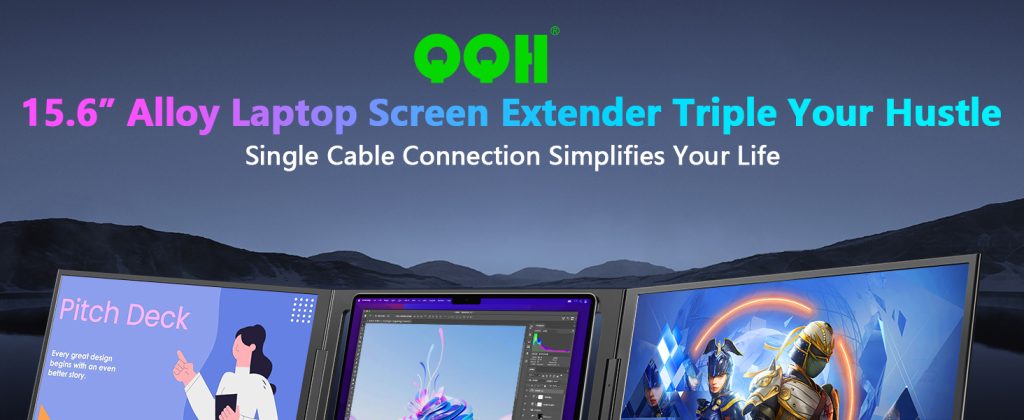
More Screens. More Focus. Zero Hassle.
QQH builds portable monitors for professionals who need real workspace flexibility. Your full multi-screen setup travels wherever you go.
Every display gets hands-on quality testing. Aluminum construction, 1080p IPS panels, and USB-C connections built for daily use.
Fast Amazon shipping, easy returns, and responsive support. We stand behind every QQH monitor with a full satisfaction guarantee.
Triple Your Screen Space Today
Join thousands of remote workers, developers, and traders who upgraded to the QQH Laptop Screen Extender. One cable, three screens, zero hassle.
Get the QQH Extender on Amazon →Why the QQH Laptop Screen Extender?
Here's what separates QQH from every other portable monitor extender on the market — and why thousands of buyers agree.
True Plug-and-Play
No driver downloads, no compatibility headaches. One USB-C cable connects both screens instantly on MacOS, Windows, and Android. You'll be working across triple displays within minutes of opening the box.
15.6" FHD IPS Panels
Each screen delivers 1920x1080 resolution with IPS technology for accurate colors and wide viewing angles. Text stays sharp, images look crisp, and you won't squint at washed-out visuals from the side.
Built to Travel
The ultra-slim aluminum alloy frame keeps weight down without feeling flimsy. It folds flat against your laptop lid and slides into any bag. Your triple monitor setup goes wherever your work takes you.
Fits 12-16" Laptops
Whether you're on a 13" MacBook Air or a 16" Windows workstation, the adjustable bracket locks on securely. No wobble, no sliding, and zero damage to your laptop lid.
Instant Productivity Boost
Customers report getting noticeably more done within the first two weeks. When you can see your email, your main project, and your reference material all at once, context-switching drops and focus goes up.
Amazon's Choice for a Reason
Backed by hundreds of verified five-star reviews, fast Prime shipping, and a track record of quality that earned the Amazon's Choice badge. You're buying a product that real people tested and loved.
Get the Most From Your Triple Screen Setup
A practical week-by-week guide to building real habits around your QQH laptop screen extender for maximum output.
Unbox & Connect
- Attach bracket to your laptop lid
- Connect USB-C and verify detection
- Adjust screen angles for comfort
- Set display arrangement in OS settings
Build Your Layout
- Assign apps to specific screens
- Pin communication tools to one side
- Keep your main task front and center
- Try different angle positions
Optimize Workflows
- Use keyboard shortcuts to move windows
- Set up screen-specific virtual desktops
- Create app groupings for each project
- Test with video calls and presentations
Power User Mode
- Run trading dashboards across 3 screens
- Edit video with timeline on side panel
- Code on center, docs left, terminal right
- Travel with the full triple setup
Key Benefits & Use Cases
Discover all the ways this product can work for you.
Remote Work
Spread Zoom, email, and project tools across three screens so you never miss a message while deep in focused work. Your home office rivals any corporate setup.
Software Development
Code on the center screen, stack documentation on the left, and run your terminal or preview on the right. Eliminate constant alt-tabbing between windows.
Day Trading & Finance
Monitor live charts, news feeds, and your order book simultaneously. Three screens give you the real-time visibility that single-screen setups can't match.
Content Creation
Edit photos or video on the main display while keeping your asset library and export settings visible on the side panels. Speeds up your entire production pipeline.
Students & Research
Read source material on one screen, write your paper on another, and keep citations or notes on the third. Research papers practically write themselves.
Travel & On-Site Work
The ultra-slim aluminum build folds flat and fits in your laptop bag. Set up a full triple monitor workstation anywhere — hotel rooms, coffee shops, client offices.
What QQH Owners Are Saying
"Set this up on my MacBook in two minutes flat. Now I run Slack, my editor, and browser side by side. Total game changer."
"I trade stocks with three screens from my kitchen table now. Sharp display, zero lag. Worth every penny."
"Bought this for remote work. Best desk upgrade I've made. Light enough to toss in my bag for coworking days."
How QQH Stacks Up
See why remote workers and traders pick QQH over the rest
| Feature | QQH Laptop Screen Extender | Typical Product |
|---|---|---|
| Screen Count | ✓ Triple 15.6" displays | Single or dual |
| Resolution | ✓ Full HD 1080p IPS | 1080p TN panel |
| Connectivity | ✓ USB-C plug and play | HDMI + driver install |
| Build Material | ✓ Aluminum alloy | Plastic housing |
| Compatibility | ✓ Mac, Windows, Android | Windows only |
| Laptop Fit Range | ✓ 12-16" laptops | 13-15" laptops |
Common Questions
What screen size and resolution does the QQH Laptop Screen Extender have?
Each screen is 15.6 inches with a Full HD 1080p IPS panel. You get two extra displays that match most laptop screens in clarity and color accuracy.
How do I set up the QQH portable monitor on my MacBook?
Just plug in a single USB-C cable. No drivers, no software installs. MacOS recognizes it immediately, and you can arrange your displays in System Settings within seconds.
Does this laptop screen extender work with Windows and Android too?
Yes. The QQH extender is compatible with MacOS, Windows, and Android devices. It works with any laptop between 12 and 16 inches using USB-C connectivity.
How much does the QQH triple portable monitor weigh?
The ultra-slim aluminum alloy build keeps weight low enough for daily commutes and travel. It's designed to fold flat against your laptop lid for easy transport.
Will a laptop screen extender actually improve my productivity?
Verified buyers report a noticeable jump in output. Having three screens lets you keep reference docs, communication tools, and your main work visible simultaneously — no more constant tab switching.
How does QQH compare to ASUS and ViewSonic portable monitors?
QQH gives you triple screens from one device instead of buying separate monitors. The plug-and-play USB-C setup is simpler than most competitors, and the aluminum alloy body is sturdier than typical plastic housings.
Is the QQH extender good for stock trading and day trading setups?
It's a popular pick among traders. Three 1080p IPS screens let you watch charts, order books, and news feeds side by side — the kind of real estate you'd normally need a desktop setup to get.
What's included in the box and is there a warranty?
You get the triple monitor unit, USB-C cable, and a quick-start guide. QQH backs it with customer support and the product carries Amazon's standard return policy plus the Amazon's Choice badge for quality assurance.